

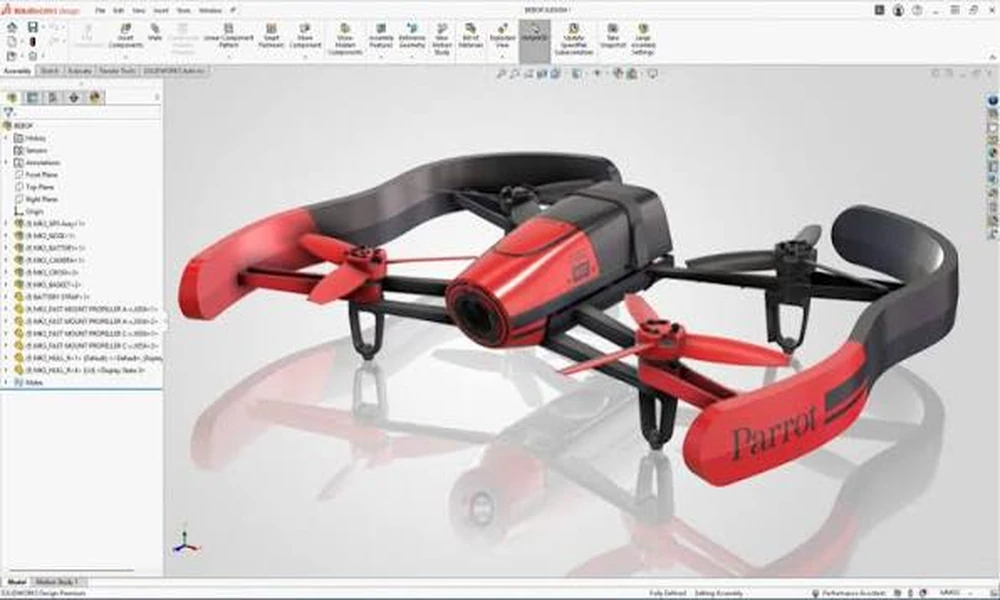
Installing SOLIDWORKS PDM involves more than downloading software. Businesses must prepare compatible computers, server infrastructure, network access, and a clear plan for managing engineering files.
Understanding these requirements before installation can help reduce setup problems and ensure the system supports your team’s daily operations.
What Are the Basic SOLIDWORKS PDM Requirements?
SOLIDWORKS PDM requires a supported Windows environment, appropriate server components, database infrastructure, and network connectivity.
The exact requirements depend on the PDM edition, software release, number of users, and intended configuration.
Businesses using SOLIDWORKS should confirm compatibility between their CAD software and the selected PDM version before deployment.
What Hardware and Software Do You Need?
Compatible Windows Computers
Engineers need supported Windows computers to run the SOLIDWORKS PDM client.
Available memory, processing power, and storage should accommodate both PDM operations and the complexity of the CAD projects being managed.
Server and Database Infrastructure
SOLIDWORKS PDM uses server components and a database to manage file information, permissions, and workflows.
The system also requires an archive server to store managed file content.
Database requirements vary by edition, so businesses should verify supported SQL Server versions and licensing arrangements.
Reliable Network Connectivity
Users need reliable network access to communicate with the PDM infrastructure.
Network performance can influence file retrieval, check-in/check-out operations, and overall user experience.
Organisations with multiple offices should evaluate connectivity requirements carefully.
What Should You Prepare Before Installation?
Plan Your File Vault Structure
Determine how engineering files will be organised and which employees require access.
A clear vault structure makes documents easier to locate and manage.
Define User Permissions and Workflows
Identify who can create, modify, review, and approve engineering documents.
Establishing these responsibilities before installation helps simplify system configuration.
Review Existing CAD Files
Before migrating files into SOLIDWORKS PDM, examine existing folder structures, duplicate documents, and assembly references.
Proper preparation reduces the risk of missing files or broken relationships during migration.
Should You Choose PDM Standard or Professional?
SOLIDWORKS PDM Standard supports essential file management and revision control.
SOLIDWORKS PDM Professional provides additional workflow, automation, and integration capabilities.
The selected edition influences infrastructure planning and available functionality.
Get Installation Support from SEACAD Technologies
SEACAD Technologies provides SOLIDWORKS PDM solutions, implementation assistance, professional training, and technical support for engineering and manufacturing businesses in Singapore.
Before installation, businesses should review the latest official SOLIDWORKS system requirements and assess their existing IT environment.
With suitable preparation, organisations can establish a reliable PDM system that supports efficient engineering data management and collaboration.
